
How to Get the Booking.com 'Work-Friendly' Badge for Your Apartment
BookiApp Tim
Vacation Rental Guest App
Key takeaway
The remote worker market is a key opportunity to extend your rental season. To get the Booking.com 'Work-friendly' badge, you must provide a dedicated workspace with a proper desk and chair. High-speed internet is crucial, with 50 Mbps download speed being the industry standard. Investing in extra equipment, like a 24-inch monitor (around 120 EUR), can significantly boost your property's appeal and nightly rate.
Key points
- 1Booking.com Requirement: A dedicated workspace with a desk and chair, not a kitchen table, is mandatory for the 'Work-friendly' badge.
- 2Recommended Internet: While not officially required, a 50 Mbps download speed is the industry standard for stable video calls.
- 3The Desk: A desk with recommended dimensions of at least 120x60 cm, placed near a natural light source, is key for comfort.
- 4Key Differentiators: A second 24-inch monitor (around 120 EUR) and an ergonomic chair (up to 200 EUR) elevate an apartment to a premium offering.
Table of contents
Digital nomads and remote workers are no longer a niche but a significant segment of the tourism market that can fill apartments in the pre-season and post-season. Unlike traditional tourists, they aren't just looking for a bed and proximity to the beach; they need a functional office away from the office. Booking.com has recognized this by introducing its "Work-friendly properties" program.
This program allows guests to filter for accommodations that have adequate facilities for work. Earning this badge isn't just about checking a box in the extranet; it's a strategic decision that can lead to longer, more profitable bookings. Investing in work-related equipment offers a direct and measurable return.
In this guide, the BookiApp Team analyzes exactly what is needed to achieve "Work-friendly" status, from technical internet specifications to concrete recommendations for furniture and equipment, with prices for the 2026 season.
— 01What Does Booking.com Require for the "Work-Friendly" Badge?
To award the "Work-friendly" badge, Booking.com requires a dedicated workspace within the rental unit. This means the property must have a desk or work surface with a suitable chair, used exclusively for work. A kitchen table or counter does not qualify. Additionally, reliable, free Wi-Fi is a mandatory prerequisite.
In the Booking.com extranet, under the 'Property' > 'Facilities & services' tab, hosts can find a section dedicated to business facilities. There, it is necessary to check the "Dedicated workspace" option.
What exactly does "dedicated workspace" mean?
- Desk or work surface: Enough space for a laptop, notebook, and mouse.
- Comfortable chair: A chair that allows for several hours of work without discomfort.
- Location: An area that is separate from the main relaxation zones, like the bedroom or living room, ideally in a corner with good lighting.
This badge functions as a powerful filter. Guests who plan to work during their stay actively use this filter to narrow their search, making your property more visible to a targeted and higher-paying audience.
BookiApp Data
From an analysis of inquiries within the BookiApp platform, 30% of guests staying longer than 14 days ask about internet speed and workspace quality before making a reservation.
— 02High-Speed Internet: How Fast Is 'Fast' and How Do You Prove It?
While Booking.com doesn't specify an exact minimum speed, the industry standard for remote workers is at least 50 Mbps for downloads and 10 Mbps for uploads. This speed ensures flawless, high-quality video calls (Zoom, Google Meet, Microsoft Teams), even with other devices connected to the network. The easiest way to verify your speed is with a free tool like Speedtest.net.
It's important to test the speed at different times of the day, especially in the evening when network load is highest. It is recommended to add the test result, a screenshot of the measured speeds, as one of the photos in your listing's gallery. Transparency builds trust and reduces the number of pre-booking inquiries.
For larger apartments or houses with thick walls, a standard router is often not enough to cover the entire space. In this case, investing in a Mesh Wi-Fi system (e.g., TP-Link Deco or Google Nest Wifi, with prices around 150 EUR for a two-device set) is necessary. These systems ensure a stable and strong signal in every corner of the property, including the workspace.
According to research, Wi-Fi consistently ranks among the top 3 most important amenities for all types of guests, and for digital nomads, it is the absolute number one priority. [1]
— 03Workspace Equipment: The Desk, Chair, and Monitor
The ideal workspace for digital nomads consists of three key elements: a spacious desk, an ergonomic office chair, and a second monitor. These items signal that the space is professionally equipped, justifying a higher price. The total investment for a quality setup is approximately 400-500 EUR.
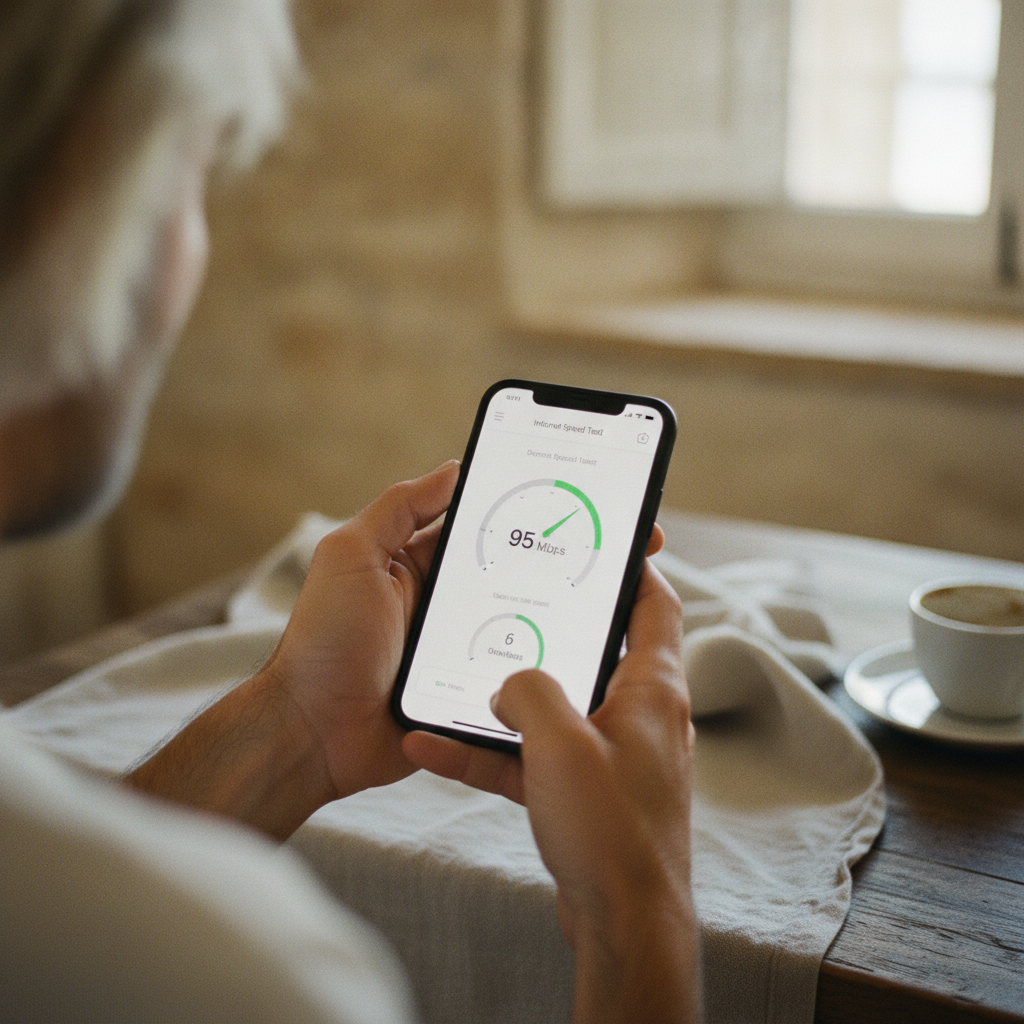
1. A Real Desk (Not a Kitchen Table)
A kitchen table is not an adequate substitute. Although Booking.com does not specify exact dimensions, it is recommended that the desk be spacious enough for comfortable work, ideally at least 120x60 cm, to accommodate a laptop, monitor, keyboard, mouse, and notebook. Place it near a window for natural light and ensure at least two power outlets are available nearby.
2. An Ergonomic Chair (An Investment up to 200 €)
A guest working 8 hours a day cannot sit on a kitchen or balcony chair. A comfortable, adjustable office chair is a necessity. You don't need to buy premium models for 1,000 EUR. Models like the IKEA Markus (around 180 EUR) or similar options at JYSK and other furniture stores offer an excellent price-to-quality ratio with back support and adjustable height.
3. A Second Monitor (The Key Advantage)
This is the element that will set you apart from the competition the most. Most hosts do not offer it. A second monitor drastically increases productivity, and the investment is relatively small. A standard 24-inch monitor with Full HD (1080p) resolution and an HDMI port costs between 100 and 150 EUR. Be sure to provide an HDMI cable as well.
| Feature | Basic Setup | Premium 'Work-Friendly' Setup |
|---|---|---|
| Desk | Small desk (<100 cm) | Work desk (120x60 cm or larger) |
| Chair | Standard chair | Ergonomic office chair |
| Internet | 20/5 Mbps | 50/10 Mbps or faster (fiber) |
| Monitor | No | 24" Full HD monitor with HDMI |
| Price | Standard rate | +15-25% higher rate |
— 04How to Market Your Apartment to Digital Nomads
To effectively attract remote workers, crucial information must be immediately visible. Add phrases like "Fast Fiber WiFi" or "Home Office" to your listing title. In the first paragraph of your description, state the exact internet speed (e.g., "Stable fiber optic internet at 100/50 Mbps, perfect for video calls") and provide a detailed account of the work equipment available.
Here is an example of wording for a Booking.com or Airbnb description:
Example of a good description: "Our apartment is perfectly equipped for remote work. Enjoy a dedicated workspace with a large desk (140x70 cm), an ergonomic office chair, and an additional 24-inch Dell monitor (HDMI included). Our fiber optic internet connection (100/50 Mbps, tested) ensures flawless Zoom calls. Work with a view of the sea!"
Don't forget about photos. Take a series of high-quality pictures that exclusively showcase the workspace. Show the desk, chair, monitor in use (with the screen on), the proximity of power outlets, and the view from the workspace. A screenshot of the Speedtest result as a photo is excellent proof of your claim.
+25%
Potential rate increase for long stays
50 Mbps
Recommended internet speed
400 €
Average investment for a complete workspace
Case Study: An Apartment in Split
A 55 m² one-bedroom apartment in Split's Žnjan district traditionally had 95% occupancy from June to September, but occupancy would drop drastically after September 15th. The owner invested about 450 EUR in equipping a workspace: a desk, a Markus chair from IKEA, a 24-inch monitor, and an upgrade to fiber optic internet.
He added "+ Fast Fiber WiFi & Office" to the listing title. The result? He secured a booking from an American developer for the entire months of October and November at a monthly rate that covered all winter utility costs and generated a profit equal to that of 12 days in the peak season. In his review, the guest specifically praised the "perfect setup for work."
Investing in a workspace isn't an expense; it's an investment in extending the season and attracting higher-quality guests who stay longer and take better care of the property.
Adapting an apartment for remote workers is one of the most profitable strategies for rental hosts in Croatia today. It is a path toward de-seasonalizing the business, attracting guests who stay for weeks or months instead of days, and positioning your property as a premium choice in an increasingly competitive market.
FAQ: 1. Q: How much more should I charge for a 'work-friendly' apartment? A: For longer stays (a month or more), the rate can be 15-25% higher compared to a standard long-term rental in the same period. For shorter stays, the equipment itself justifies a higher starting price and increases the likelihood of getting booked at your asking rate.
- 1Q: Is fiber optic necessary, or is 4G/5G internet sufficient?
- 2Q: Should I also provide a printer or other office equipment?
- 3Q: How can I attract remote workers during the off-season?
Frequently asked questions
1How much more should I charge for a 'work-friendly' apartment?
For longer stays (a month or more), the rate can be 15-25% higher compared to a standard long-term rental in the same period. For shorter stays, the equipment itself justifies a higher starting price and increases the likelihood of getting booked at your asking rate.
2Is fiber optic necessary, or is 4G/5G internet sufficient?
Fiber optic is the gold standard due to its stability and low latency. However, a high-quality 4G/5G home internet connection with speeds above 50/10 Mbps can be an adequate alternative in areas where fiber is not available. The key is to test and transparently communicate the speed.
3Should I also provide a printer or other office equipment?
A printer, scanner, or an extra keyboard are not necessary but can be a nice bonus. Focus on the three key items: the desk, the chair, and the monitor. Everything else is an extra you can mention in the description if you have it, but it's not decisive for the booking decision.
4How can I attract remote workers during the off-season?
Besides equipping the space, offer attractive monthly discounts on the platforms (e.g., a 30-50% discount for stays longer than 28 days). Advertise in specialized Facebook groups for digital nomads in Croatia and on platforms like Nomad List.
BookiApp Tim
Vacation Rental Guest App
The BookiApp Team combines hands-on hosting experience with market data insights. We write practical guides for small-scale hosts of apartments, villas, and rooms—no fluff, just actionable numbers and verified sources.
Related articles

Vacation Rental Insurance: What Airbnb and Booking Don't Cover (2026)
Think Airbnb AirCover or Booking.com's insurance has you covered? Discover what these platforms miss, from guest liability to property damage, and what policy you actually need.
Read more
How to Get Guests to Book Direct and Save 18% on Commissions
A guide for vacation rental hosts in Croatia: Learn how to legally encourage guests to book direct, avoid Booking.com's 15-18% commission, and build a loyal guest base.
Read more