
Best WiFi Router for a Vacation Rental in 2026: A Guide Under €100
BookiApp Tim
Vacation Rental Guest App
Key takeaway
Fast, stable WiFi is no longer a bonus; it's an expectation that directly impacts reviews. For most vacation rentals in 2026, a TP-Link Archer series router (around €60-€80) offers the ideal balance of performance and simplicity. For larger spaces or properties with thick stone walls, investing in a basic mesh system like the TP-Link Deco M4 (around €90) is essential. Crucially, setting up a separate "Guest Network" for security is a must, and modern routers allow this in a few clicks via a mobile app.
Key points
- 1Best Buy Under €100: The TP-Link Archer series offers the best balance of price, performance, and ease of use for 90% of vacation rentals.
- 2Stone Walls: Mesh systems (e.g., TP-Link Deco) are the only reliable solution for problematic walls and multiple floors, with a starting price of around €90.
- 3Mandatory Guest Network: A separate network for guests is crucial for security. It prevents access to your private data and smart devices.
- 4Dual-Band Is Standard: Always choose a router with both 2.4 and 5 GHz. Enable "Band Steering" for automatic selection of the best frequency for guests and stable streaming.
Table of contents
In 2026, the quality of the WiFi signal in a vacation rental is just as important as cleanliness or location. Guests expect a flawless connection for remote work, streaming Netflix in 4K, and video calls with family. According to data from major booking portals, "bad WiFi" is one of the top 5 complaints in negative reviews.
Investing in adequate network equipment isn't an expense; it's an investment in guest satisfaction and higher property ratings. Fortunately, ensuring an excellent signal for a standard-sized rental doesn't require a budget of more than €100.
This guide analyzes the best options on the market, from standard routers to mesh systems, with specific recommendations for hosts in Croatia.
— 01Top 3 Router Brands Under €100: Mikrotik, TP-Link, and Asus
The best choice for most hosts is TP-Link, which offers an optimal mix of price, performance, and easy setup. Asus is a step up for those seeking premium stability, while Mikrotik is for tech-savvy users who want total control over every network aspect.
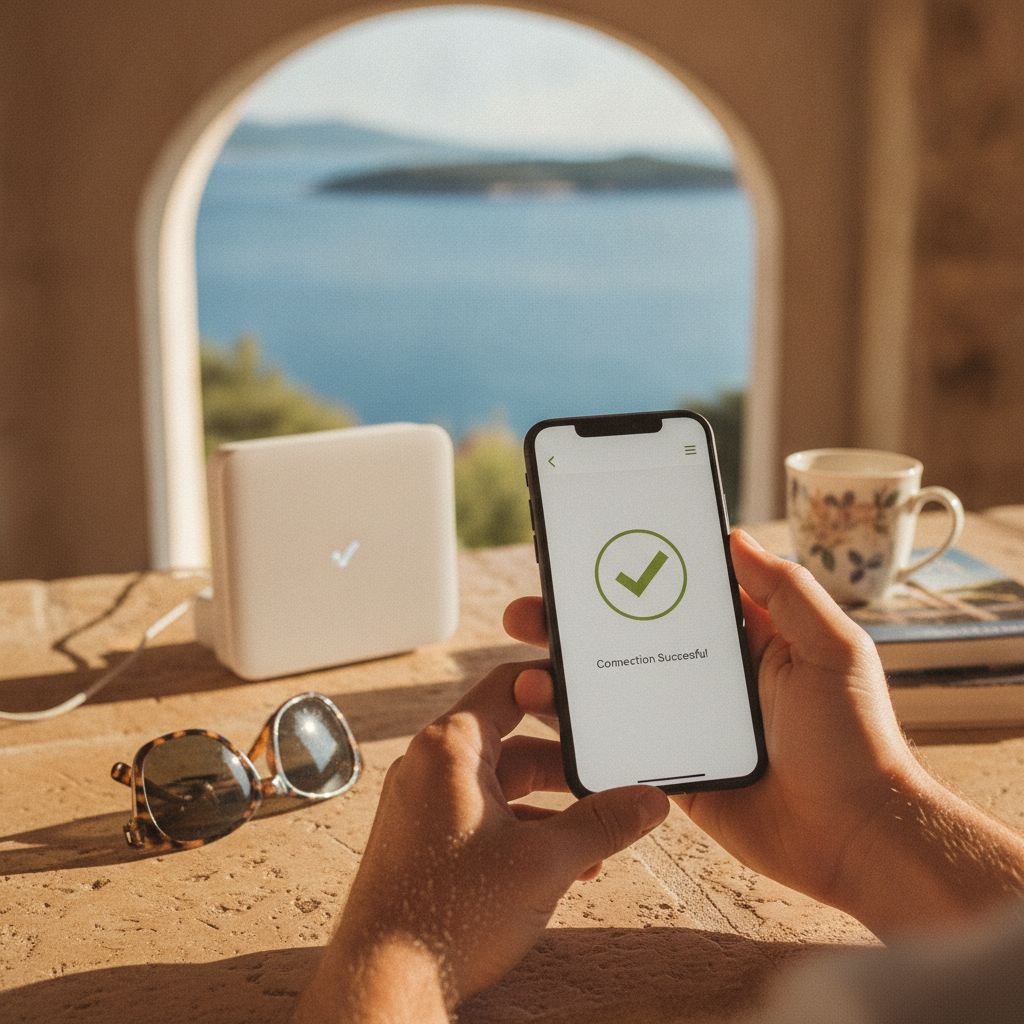
TP-Link (Archer series) This is the de facto standard for small and medium-sized rentals (up to 80 m²). Models like the TP-Link Archer C64 or C80 cost between €50 and €80 and offer everything needed: - Dual-Band WiFi: Support for 2.4 GHz and 5 GHz frequencies. - Simple Setup: The "Tether" mobile app guides users through installation in under 15 minutes. - Guest Network: Easily create a separate network for guests in two clicks. - Reliability: Stable operation without the need for frequent reboots.
Asus (RT-AC series) Asus routers are known for exceptional stability and advanced software. Models like the ASUS RT-AC1200 V2 are within budget (around €60-€70) and offer more robust performance. Asus is an excellent choice for rentals where multiple guests simultaneously use the internet for demanding tasks. Their AiMesh technology allows for a future upgrade to a mesh system by adding another compatible Asus router.
Mikrotik (hAP ac series) Mikrotik is a Latvian manufacturer of professional networking equipment. Their routers, like the hAP ac³, offer unparalleled configuration options for around €90. However, their RouterOS operating system requires significant technical knowledge. This is not a "plug-and-play" solution and is recommended only for hosts with experience in network administration.
| Brand | Price (approx.) | Best for | Setup Complexity |
|---|---|---|---|
| TP-Link | €50 - €80 | Most rentals (up to 80 m²) | Low (mobile app) |
| Asus | €60 - €100 | Demanding users, stability | Medium (web interface) |
| Mikrotik | €40 - €90 | Professionals, full control | High (requires expertise) |
— 02Mesh Systems: The Solution for Stone Walls and Second Floors
Mesh WiFi systems are the best solution for poor signal in rentals with thick stone walls, multiple floors, or areas larger than 80 m². Instead of a single central router, a mesh system uses two or more units (nodes) that communicate to create one seamless, powerful WiFi network throughout the property.
The main advantage is that guests have only one network name (SSID) and one password. Their devices automatically and seamlessly switch to the node with the strongest signal as they move around the rental, eliminating "dead zones." A basic two-unit pack, such as the TP-Link Deco M4, costs around €90-€110, making it an excellent investment for solving chronic coverage issues.
Significant
Fewer WiFi complaints in properties with mesh systems
1
Single network name (SSID) for the entire property
€90
Starting price for a reliable 2-pack mesh system
Classic WiFi signal boosters (repeaters) are a cheaper but significantly worse alternative. They cut the internet speed in half and often create a new network, which confuses guests and complicates the connection process.
— 03Why Is a "Guest Network" Mandatory for Security?
A guest network is an isolated WiFi network that gives guests internet access but completely blocks them from your main, private network. Setting up a separate network for guests is an absolute security imperative for every host. Without it, a guest with minimal technical knowledge could access other devices on your network.
This includes: - Your personal computer and data - A Smart TV logged in with your Netflix or Google account - Smart speakers (Google Home, Amazon Alexa) - Security cameras - Any other smart device connected to the network
BookiApp Data
From an analysis of 200+ hosts in the BookiApp database, less than 30% use a separate guest network, posing a significant and unnecessary security risk.
Besides security, a guest network also provides control. On most modern routers, you can limit the bandwidth for guests to prevent them from congesting the entire connection or even set time limits. All recommended routers (TP-Link, Asus) allow you to set up a guest network within a minute via their mobile app. Providing a secure service is part of good business practice and is crucial for protecting the privacy of both guests and property owners.
— 042.4 GHz vs. 5 GHz: What Do Guests Really Need?
Modern dual-band routers broadcast on two frequencies: 2.4 GHz and 5 GHz. For an optimal experience, guests need both. The key is a proper configuration that leverages the advantages of each without complicating the connection process for the guest.
- 5 GHz: Offers significantly higher speeds and is less prone to interference from other devices (microwaves, cordless phones). It's ideal for streaming 4K video and video calls. Its downside is a shorter range and weaker penetration through walls.
- 2.4 GHz: It's slower but has a longer range and passes through obstacles like walls and doors much better. It's ideal for covering more distant parts of the rental, like a bedroom or balcony.
The best practice for 2026 is to use the "Band Steering" or "Smart Connect" feature, supported by most new routers. This function combines both networks (2.4 and 5 GHz) under a single name (SSID). Guests' devices then automatically connect to the best available frequency depending on their location in the rental, without any need to switch networks manually.
A negative review due to slow Netflix in 2026 is an operational failure that could have been prevented by investing €70 in a quality dual-band router.
Case Study: Setting Up a Router for a 65 m² Apartment in Rovinj
Scenario: A host has an apartment in the old town of Rovinj. The property has thick load-bearing walls separating the living room from the bedroom. The existing router from the telecom operator (A1 or T-Com) provides a weak signal in the bedroom, resulting in guest complaints.
Solution (budget < €100): Purchase a TP-Link Archer C64 router (price around €55).
Setup in 30 minutes:
1. Physical Connection: Unplug the old router. Connect the new TP-Link router to the telecom operator's modem with a network cable.
2. Download the App: Install the "TP-Link Tether" app on a smartphone.
3. Configuration via App:
- Connect to the temporary WiFi network broadcast by the new router.
- Launch the app and follow the setup wizard.
- Set the name for the main (private) network: ApartmanMore_Private and a strong password.
- Enable the "Smart Connect" option to merge the 2.4 and 5 GHz networks under one name.
- In the settings, activate the "Guest Network". Name it ApartmanMore_Guest and set a simple password (e.g., more2026).
4. Positioning: Place the router in a central, elevated location in the living room, away from metal obstacles and other electronic devices.
The result is a strong, stable signal throughout the entire apartment, with a separate and secure network for guests. The entire process is simple and can be completed within 30 minutes. [1]
A quality WiFi connection is the foundation of modern hospitality and a prerequisite for introducing further digital solutions like smart locks or online check-in. Neglecting this aspect of the business in 2026 directly impacts profitability and competitiveness in an ever-evolving market, a topic also regularly covered by portals like Cimerfraj [2].
Sources
Frequently asked questions
1Do I need a router that costs more than €100?
For 95% of vacation rentals up to 100m² with up to 4-5 guests at a time, a router in the €60-€100 price range is perfectly sufficient. More expensive models (€150+) offer advantages like WiFi 6E/7 standards or advanced gaming features, which are not critical for the average guest on holiday in Croatia.
2Can I just use the router provided by A1 or Hrvatski Telekom?
Routers from telecom operators are basic models designed for minimal needs. They often lack key features like an advanced guest network, regular security updates, and a strong signal. An upgrade for €60 brings a significant improvement in performance, coverage, and security.
3What is a WiFi extender, and is it a good solution?
A WiFi extender is a cheaper solution (~€25-€40) that 'catches' the existing signal and rebroadcasts it. However, every extender cuts the available internet speed in half and creates a new network (SSID), which confuses guests. A mesh system is a superior, albeit more expensive, solution because it creates a single, seamless network.
4How should I choose a password for guests?
The guest network password should be simple enough for a guest to enter easily but not too obvious. A good practice is to use the rental's name and the year, e.g., `More2026!` or `Sunce1234`. Avoid using personal information. It's recommended to change the password once a year.
BookiApp Tim
Vacation Rental Guest App
The BookiApp Team combines hands-on hosting experience with data-driven market insights. We write practical guides for small-scale hosts of apartments, villas, and rooms—no fluff, just concrete numbers and verified sources.
Related articles

Vacation Rental Insurance: What Airbnb and Booking Don't Cover (2026)
Think Airbnb AirCover or Booking.com's insurance has you covered? Discover what these platforms miss, from guest liability to property damage, and what policy you actually need.
Read more
How to Get Guests to Book Direct and Save 18% on Commissions
A guide for vacation rental hosts in Croatia: Learn how to legally encourage guests to book direct, avoid Booking.com's 15-18% commission, and build a loyal guest base.
Read more